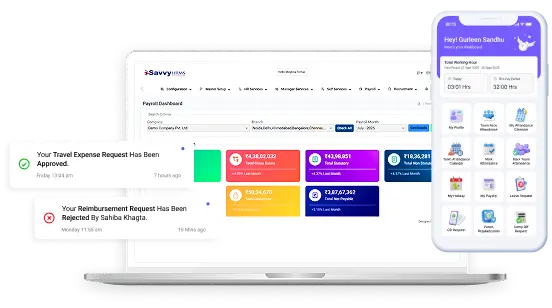
1. What is a visitor management system?
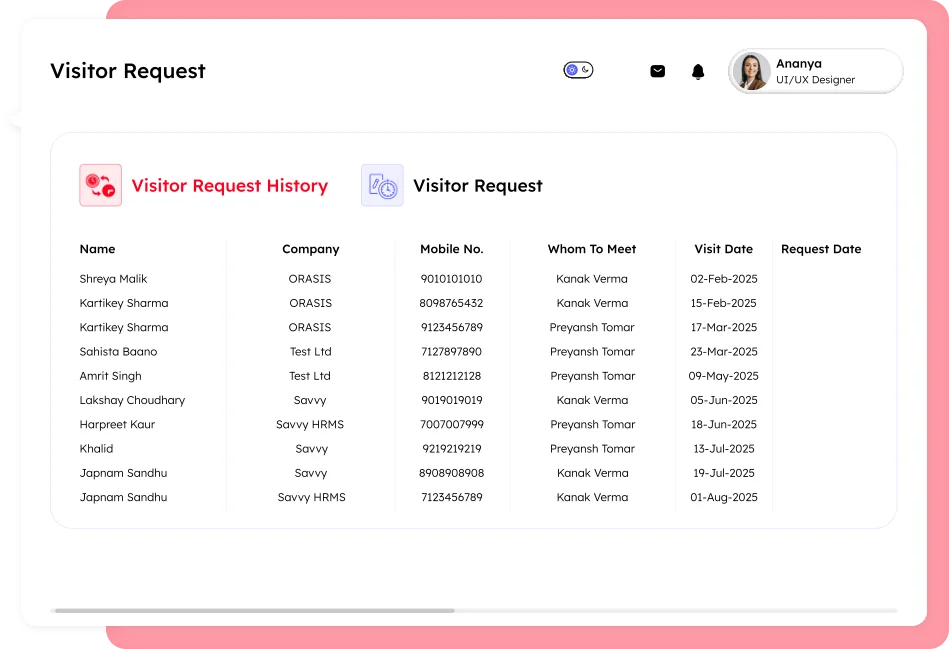
Visitor management system software records, approves, and monitors all those arriving at an office, and digitizes visitor registers with check-ins, host notifications, visitor badges, and entry and exit records so employers can keep track of all visitors, whom they came to see, and when they left. It keeps workplaces, factories, and campuses protected.
2. What is a guest management system?
A guest management system is another name for a visitor management system, primarily used in situations where visitors are considered to be guests (such as a hotel, a corporate office, or an event). It manages the check-in of visitors, including badges, host notifications, check-out, and exit logs, so every guest is welcomed smoothly and tracked securely. The goal is a smooth welcome.
3. Why do organizations need a visitor management system?
Organizations need a visitor management system because paper registers are time-consuming, hard to read, and do not provide live information on who is on site. A visitor management system can speed up the process of signing in, notify hosts, identify unwanted visitors, and provide searchable records, which improves security, reduces front desk volumes, and creates a more professional first impression for every guest.
4. How many types of visitor management systems are there?
There are four types of visitor management systems: Paper-based registers, standalone digital systems, cloud-based software, and mobile / QR based contactless systems. Some tools are designed for one office, while cloud-based solutions are built to manage many offices from one place, and may have host approvals and be accessible remotely. Choose the type that matches your site size, visitor volume, and security needs.
5. How does a visitor management system help during an emergency or evacuation?
A visitor management system shows exactly who is inside the premises at any moment, so security and admin teams can quickly identify visitors, contractors, and guests during an emergency or evacuation. Entry records, photos, and host details are available in one place, which helps teams account for everyone and respond faster without depending on paper registers.
6. What is the best visitor management system?
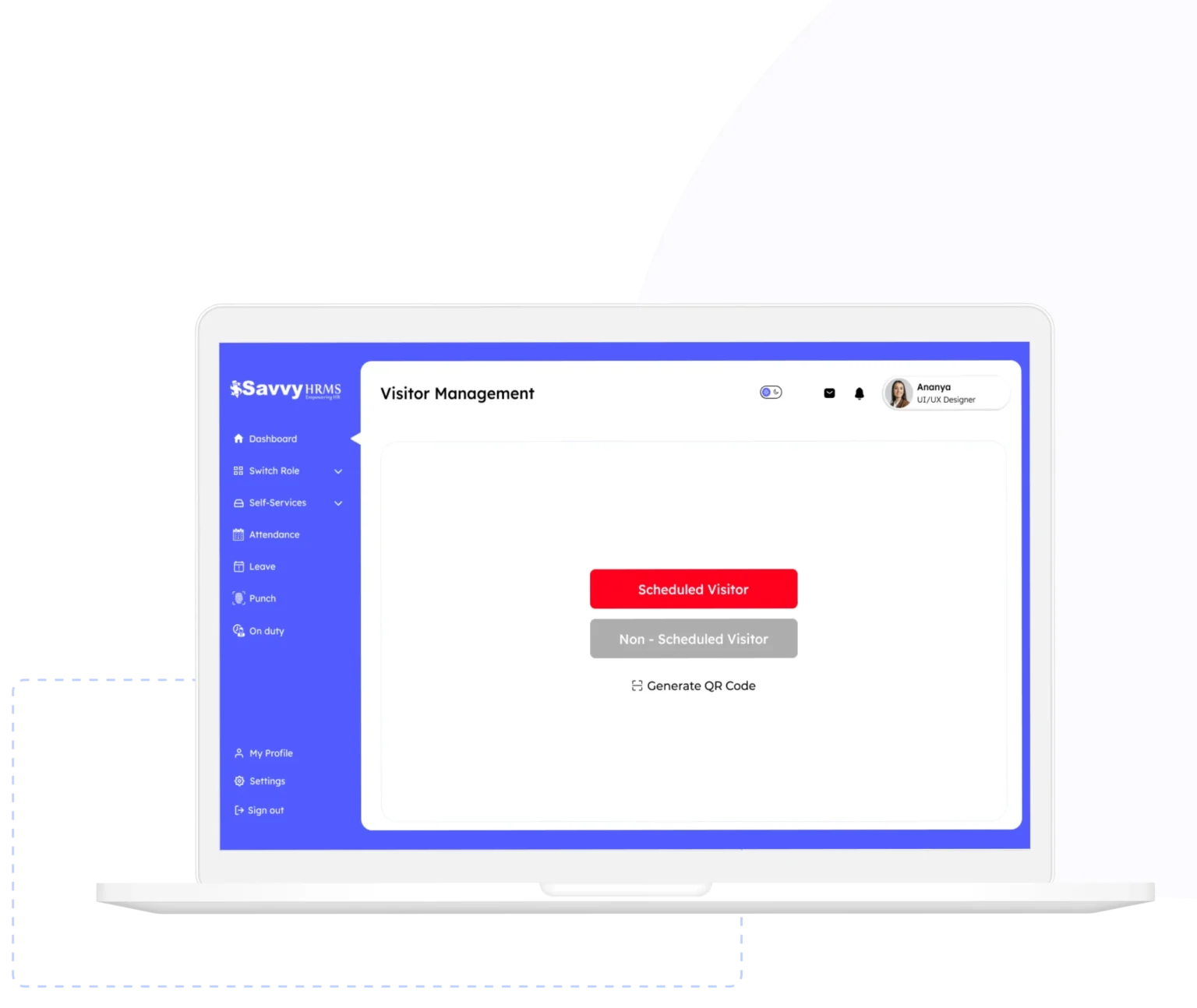
The best visitor management system is the one that fits your size, visitor volume, and security requirements. Savvy HRMS is a visitor management system software for Indian companies with strong features like QR check-in, host approval, email and SMS notifications, badge printing, remote control from multiple sites on one dashboard, and more. Review a demo before deciding.
7. What is the price of a visitor management system?
Visitor Management System pricing depends on the number of locations, visitors, users, and whether features like printing, approval, and reporting are included. Most VMS providers use subscription packages and will charge a set-up fee and/or hardware costs. Get a quote based on your site, and check what's included with each package before you commit, to avoid hidden costs.
8. What features should I look for in a visitor management system for an Indian office or corporate workplace?
Find features like contactless check-in with QR, digital forms, photo capture, host notifications, email & SMS, appointment scheduling, badge printing, real-time monitoring, & blacklist alerts. For Indian offices, also check multi-branch control, record search, simple front desk, & local support so the system fits corporate security & operations. Use a checklist to compare.
9. How does a digital visitor management system handle guest check-in and check-out?
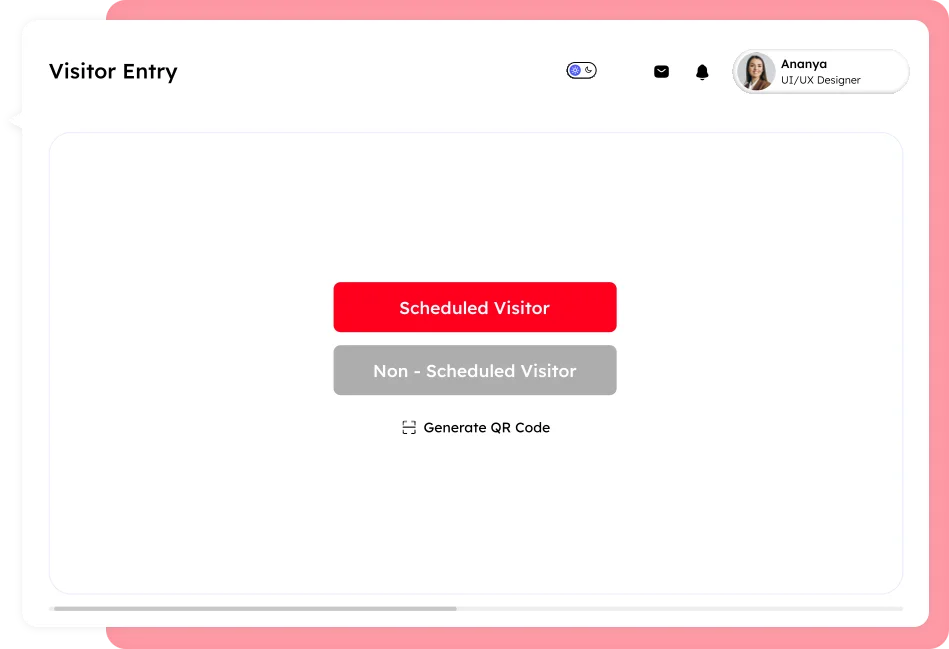
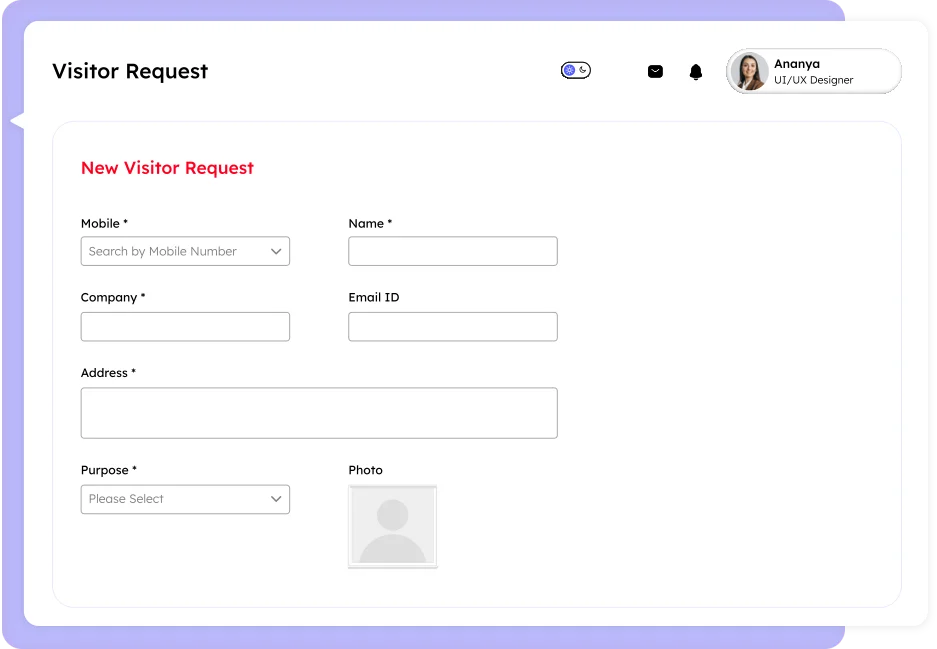
A digital system lets visitors scan a QR code, complete an electronic form, and capture a picture, and send it to reception, who can approve or decline. When leaving, the visitor is automatically signed out and the time is recorded. This gives security the complete entry and exit record. Badges can be printed at entry.
10. How can small businesses compare visitor management software?
Small businesses should compare ease of setup, pricing, QR check-in, host notifications, badge printing, record storage, and support. Make sure you pick a system easy for the front desk to use, can run on your current devices, and can add features and locations down the line so you're not paying for tools you won't be using. Test a demo with your team first.
11. What are the benefits of replacing a paper visitor log with a visitor management system?
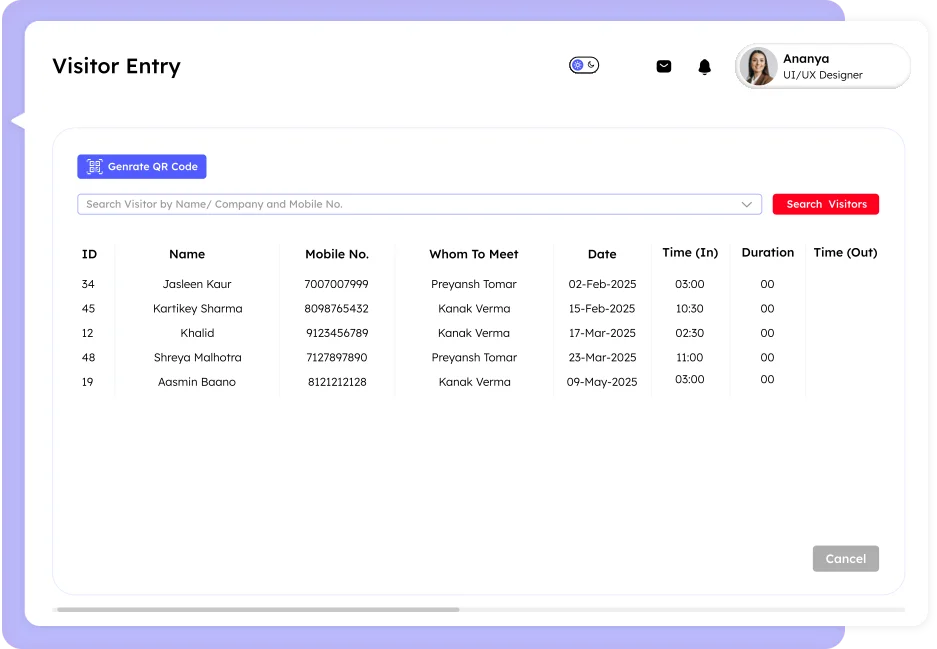
Replacing a paper log removes handwriting errors, speeds up check-in, and keeps visitor information confidential instead of being read by the next person. Digital check-in allows for a searchable database, photos are attached to entries, hosts get instant alerts, and security can view live status, making audits, investigations, and daily front desk work much easier. It also removes shared pens.
12. Who provides contactless visitor check-in solutions in India?
Many visitor management solutions such as Savvy HRMS and other Indian and international systems offer contactless check-in. Make sure that the provider has QR check-in, mobile forms, host approvals, and local support before you draw a short list of providers. Features vary by the provider, so check with the provider directly and request a check-in flow demo.
13. How can a visitor management system improve security at a corporate office?
A visitor management system improves security by verifying every visitor before entry, capturing photos, issuing badges, and alerting security about blacklisted guests. It also shows who is inside in real time and keeps entry and exit logs, so corporate offices can control access, respond faster to incidents, and review visits later at every entry point.
14. Can a visitor management system manage multiple branches?
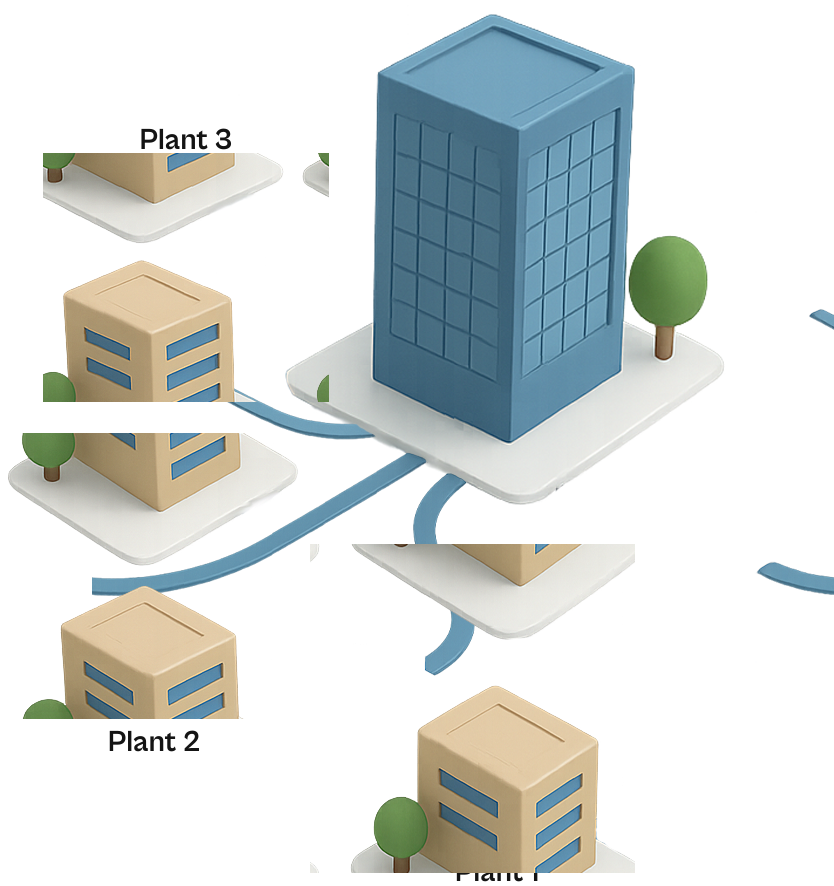
Yes. With a cloud-based system, each office, plant, or branch can follow the same check-in procedures while your whole business manages them through a single dashboard. It standardizes visitor management, allows you to look at visitor data in one system, and means you don't need different registries for every branch. Regional managers can oversee one area without having to go there.
15. Does a visitor management system support appointment booking and host approvals?
Yes. Anyone can request a time in advance; hosts approve or reject from their phones, expected visitors show up on a scheduled list, and email or text alerts tell you how the request was responded to, so guests arrive with a friendly face and no uninvited visitors walk in during a meeting or interrupt work. This keeps schedules smooth.
16. Is visitor data safe in a visitor management system?
With safe cloud storage, access controls based on roles and a strong retention policy, visitors' data remains safe. Review who can access the photos and personal information, for how long, and the retention rules and standards applied, and ensure the provider complies with Indian data protection regulations. Visitors should also be informed about the purpose of data collection.
17. How is a visitor management system set up?
Setup generally includes selecting locations and entry points, setting up the types of visitors and forms, host setup and approval rules, badge printing setup, and front desk and security training. Cloud-based systems can be deployed faster with almost no infrastructure, and visitors just need a phone to check in. Implementation times depend on the size.
18. Can a visitor management system print visitor badges?
Yes. Once checked in or approved, a visitor badge can be generated with the visitor's photograph, name, host, and visit details. Badges enable visitors to be easily identified, help security spot unauthorized people, and provide visitors with a great first impression of an organization, especially if you have factories, offices, hospitals, or campuses with restricted areas. You will need a printer at the entry.
19. Which industries need a visitor management system?
Any business that welcomes visitors to its premises can take advantage of it: Corporate head offices and similar IT companies, manufacturing facilities, hospitals, schools, universities, co-working spaces, warehousing, and banks. Workplaces with enclosures and limited access, many contractors and visitors, and more digital sign-in records are needed. Even small offices also enjoy the benefits.
20. Can a visitor management system also track contractors and vendors?
Yes. Contractors, vendors, delivery partners, and interview candidates can be registered under separate visitor types, with the purpose of visit, host, and entry and exit times recorded. This gives security and admin teams clear records for people who visit often but are not employees. Items carried can also be noted at entry. Records stay searchable for reviews.













 apartment