

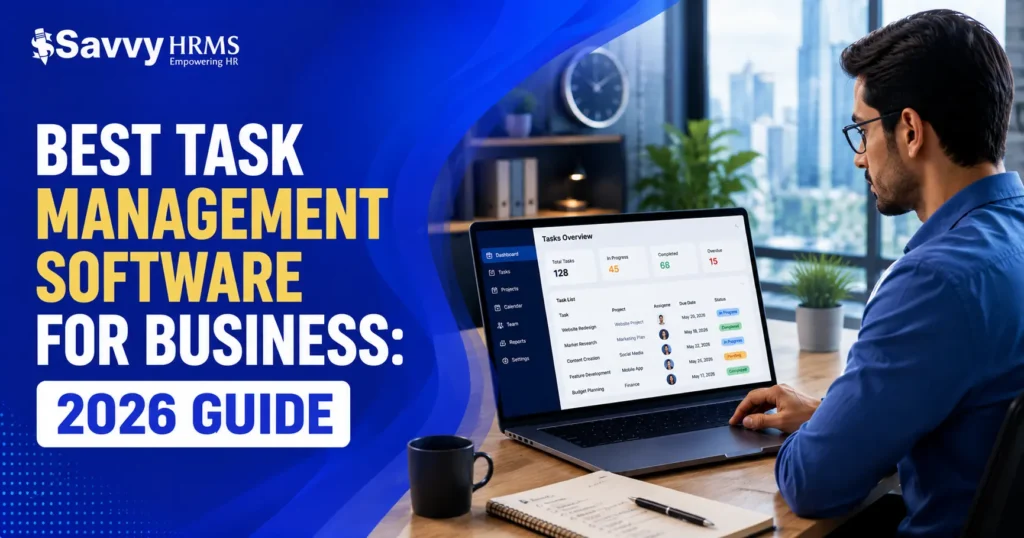

Are missed deadlines costing your team time – and trust? Choosing the best task management software for business can fix that. The right tool keeps work organised, teams aligned, and nothing falls through the cracks.
What is task management software for business?
Task management software is a digital tool that helps teams create, assign, track, and complete work tasks in one place. It typically includes features like due dates, priority settings, task dependencies, progress tracking, and reporting, giving managers and employees full visibility into who’s doing what and by when.
Why Task Management Software Matters in 2026
Work has changed. Teams are distributed. Projects move faster. And manual task tracking – sticky notes, email threads, shared spreadsheets – simply doesn’t scale.
According to a 2024 report by McKinsey,
“Employees spend nearly 20% of their workweek searching for information or chasing task updates. That’s one full day every week, wasted.”
Good task management software eliminates that waste. It gives every team member a single source of truth: what’s been assigned, what’s in progress, and what’s overdue.
For HR managers, operations leads, and business owners alike, a reliable task tracker isn’t optional anymore – it’s infrastructure.
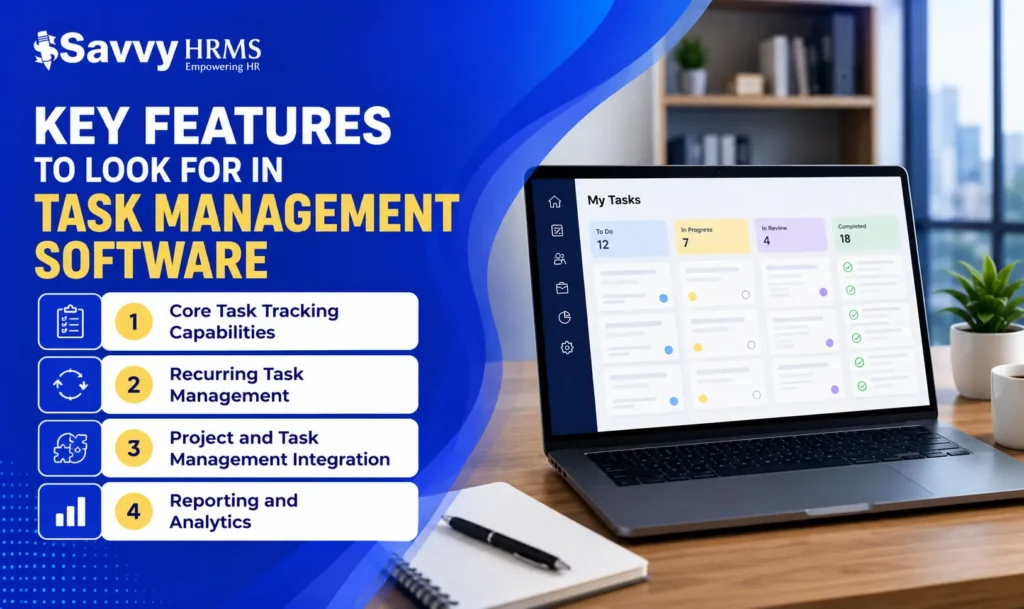
Key Features to Look For in Task Management Software
Not all task management software solutions are built the same. Here’s what separates a genuinely useful tool from one that collects digital dust.
Core Task Tracking Capabilities
A strong task tracker lets you:
- Create and assign tasks to individuals or teams
- Set due dates, priority levels, and task dependencies
- Add notes, attachments, and comments directly on a task
- View work across multiple layouts – list, board, calendar, or Gantt chart
These aren’t “nice to haves.” They’re the baseline. If a tool lacks any of these, it won’t hold up under real business workloads.
Recurring Task Management
Recurring task management software is essential for businesses with repeating workflows – weekly reports, monthly payroll runs, quarterly audits, or daily check-ins.
Look for tools that let you set tasks to repeat on a schedule automatically. This removes the manual overhead of recreating the same task week after week. It also reduces the risk that a recurring obligation simply gets forgotten.
Project and Task Management Integration
The best tools blur the line between individual tasks and broader project planning. Project and task management software lets you group tasks under projects, track milestones, and see how individual work items connect to larger goals.
This is particularly valuable for HR teams managing onboarding projects, compliance timelines, or performance review cycles – where a single project involves dozens of individual action items across multiple people.
Reporting and Analytics
You can’t manage what you can’t measure. Task management software tools features worth paying for include:
- Workload views (who’s over- or under-assigned)
- Completion rate reports by team or individual
- Time-to-completion tracking
- Custom dashboards for managers
Data-driven oversight helps leaders make better staffing and prioritisation decisions – not just reactive ones.
Task Management for HR Teams: What You Actually Need
When it comes to managing workforce labor tasks, most general-purpose tools fall short. They’re built for product teams or creatives, not for HR workflows that involve compliance deadlines, employee onboarding, performance reviews, and payroll cycles.
HR-specific task management should include:
- Integrated employee data – Tasks tied directly to employee records, so context is always visible
- Compliance deadline tracking – Automated reminders for certification renewals, training requirements, and legal deadlines
- Workflow automation – Onboarding checklists, offboarding processes, and approval chains that move automatically
- Multi-user collaboration – HR teams, managers, and employees all working from one source of truth
- Built-in reporting – Task completion metrics that feed into workforce analytics
Savvy HRMS Task Management Features:
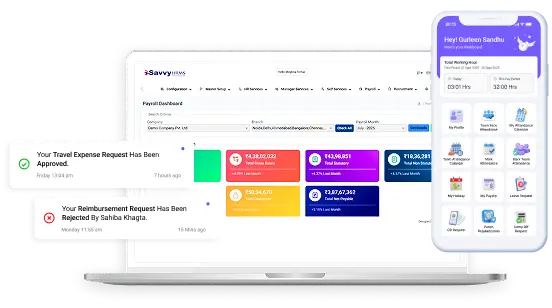
Unlike generic tools, Savvy HRMS embeds task management directly into HR operations. You can:
- Create automated workforce management task flows tied to employee lifecycle events
- Set compliance-first deadlines that trigger alerts before problems occur
- Collaborate across HR, management, and employee teams without switching platforms
- Track task completion as part of your overall labor management system health
- Generate reports showing task velocity and bottleneck areas
How to Choose the Right Task Management Software for Your Business
Choosing well means asking the right questions before you commit.
1. What’s your team size? Small teams (under 20 people) often do well with lightweight tools. Larger teams need role-based permissions, approval flows, and integrations.
2. How complex are your projects? If your work involves dependencies, handoffs, and multi-phase timelines, you need project and task management software – not just a simple to-do list.
3. Does it support recurring task management? If your team runs on cycles – payroll processing, compliance checks, performance reviews – recurring task automation is non-negotiable.
4. How does it integrate with your existing stack? Check for integrations with your HR system, communication tools (Slack, Teams), and calendar apps. Disconnected tools create more problems than they solve.
5. Is it actually usable? The best task management software is the one your team will use. Adoption is everything. A tool with 100 features but a steep learning curve will be abandoned within weeks.
According to SHRM’s 2024 HR Technology Report, one of the top reasons HR software fails is poor user adoption – not lack of features. Keep usability front and centre.
How HR Teams Use Task Management Alongside HRMS
HR professionals deal with high-volume, deadline-sensitive work every single day. Onboarding checklists. Compliance renewals. Performance review cycles. Policy updates. These aren’t just “tasks” – they’re business-critical processes with consequences if missed.
When HR teams use Savvy HRMS to automate recurring HR workflows, they stop managing tasks manually and start managing outcomes. Tasks like probation period reviews, document collection, and training completion reminders can be scheduled, assigned, and tracked – all within the same system that manages employee records, leave, and payroll.
That integration is the difference between good task management software and genuinely smart HR operations.
This isn’t just about convenience. It’s about building a system where nothing critical gets missed because it was buried in someone’s inbox.
For HR managers looking to align task tracking with broader workforce planning, the Savvy HRMS blog on HR automation and productivity covers practical implementation strategies.
People Also Ask
What’s the difference between a task tracker and project management software?
A task tracker focuses on individual to-dos – assigning, completing, and monitoring discrete work items. Project and task management software goes further, grouping tasks under broader projects, tracking dependencies, milestones, and team-level progress. Most modern tools offer both, but it’s worth confirming the tool you choose supports the level of complexity your work actually involves.
What features should recurring task management software have?
Good recurring task management software should let you set tasks on daily, weekly, monthly, or custom repeat schedules. It should automatically reassign or recreate tasks when a cycle ends, notify the assignee, and log completion history. For HR teams, this is especially valuable for payroll cycles, compliance deadlines, and regular performance check-ins.
Is task management software the same as an LMS?
No – they serve very different purposes. A system LMS (Learning Management System) is designed to deliver, track, and report on employee training and learning programmes. Task management software handles operational to-dos and project workflows. Some HRMS platforms, like Savvy HRMS, integrate elements of both – making it easier to assign onboarding training as a task and track completion in one place.
What makes task management software “good”?
Good task management software is easy to adopt, flexible enough to fit your workflows, and reliable enough that your team trusts it. Practically, it should offer clear task assignment, due dates, priority levels, and some form of progress reporting. Bonus points for recurring task support, integrations with your existing tools, and a mobile-friendly experience for teams on the go.
Conclusion
The best task management software for business isn’t about having the most features – it’s about having the right ones for how your team actually works. Whether you need a simple task tracker for a small team or a fully integrated project and task management software for a growing HR department, the tools are there.
Start by mapping your real workflow needs, test a shortlist, and prioritise adoption over complexity.
Ready to simplify HR, payroll, compliance, and task management from one platform?
Book a Demo TodayExplore Savvy HRMS and see how it can help your business scale smarter and faster.